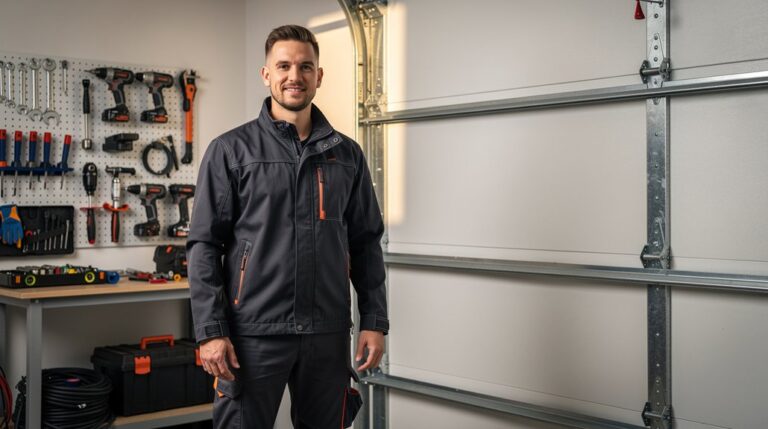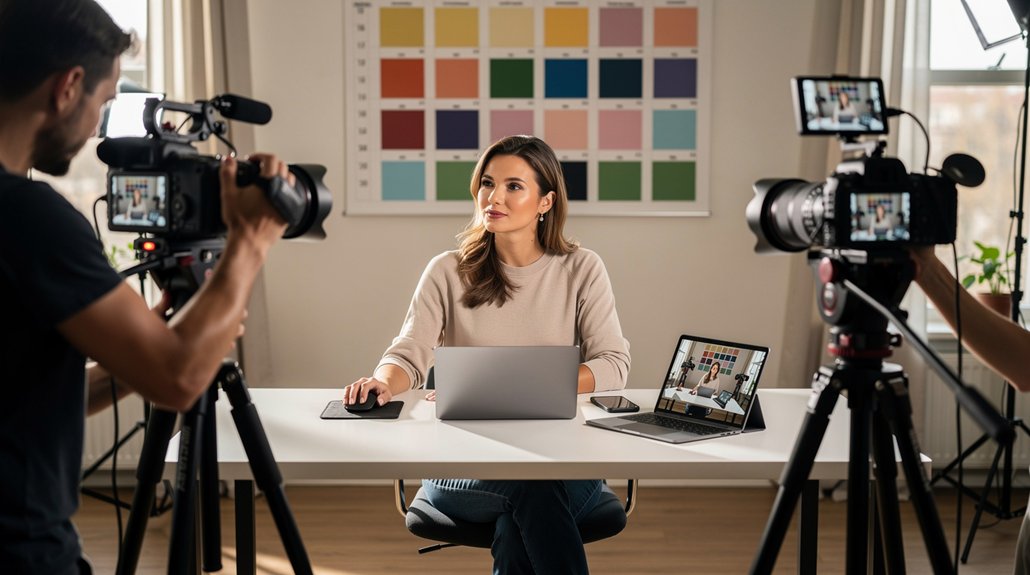
A single video shoot can give you a month of social content—if you plan for more than one final edit. Before filming, list the clips you need for each platform, such as a full product demo for YouTube, short tips for Instagram Reels, and behind-the-scenes footage for LinkedIn. Capture each clip in the right format, then schedule the finished assets to keep your business visible throughout the month. With a clear plan, one production day can work harder for your brand.
Plan a Shoot for a Month of Social Content
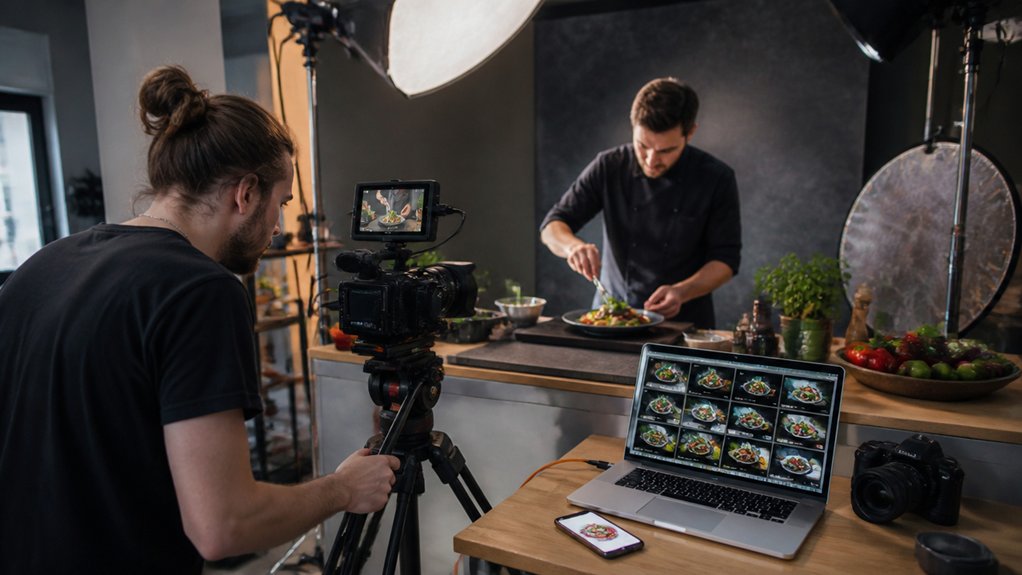
A month of social content starts with a focused shoot plan—not a packed schedule. First, define your audience, campaign goal, and main message. For example, if you’re promoting a new product, plan content that shows how it works, answers common questions, and highlights its key features.
Start with your audience, goal, and message, then plan content that shows how your product works and why it matters.
Next, match each idea to a platform, format, and publishing date. A quick product demo might work as a short vertical video, while a customer tip could become a carousel or a series of story posts. For each piece, outline a strong opening, one clear takeaway, and the visuals you’ll need.
Group shots by location, talent, or lighting to avoid unnecessary setup changes. Before shoot day, use your shot plan to check that you have the right camera, audio gear, lights, power supplies, and backups.
With the details in place, you can capture useful content efficiently and keep your month of posts on track.
Capture B-Roll and Extra Social Footage
Film close-ups, key details, transitions, and alternate angles to give your main video more flexibility in editing.
Then record a few extra clips for social media, such as a quick tip, a behind-the-scenes moment, or a short product demo.
Keep each clip focused and easy to adapt for short-form platforms.
Capture Essential B-Roll
Plan your B-roll with the same care as your main shots. Strong supporting footage can help you turn one shoot into a month of social posts.
Before filming, make a shot list of details that support your story: hands assembling a product, close-ups of key features, tools in use, your workspace, or a customer reacting to a finished result. Capture each scene from several angles, such as a wide shot, a medium shot, and a close-up. Match the lighting and look of your main footage so the clips cut together smoothly.
Hold each shot steady for a few seconds longer than you think you’ll need. Keep the frame uncluttered, and focus on moments that clarify your message, show your product in action, or put a human face to your business. Label clips as you go with clear names, such as “packing an order” or “product detail,” so you can find the right footage quickly during editing.
Film Extra Social Clips
After you capture your planned B-roll, film a few short clips just for social. Ask your subject to share a quick tip, answer a common customer question, or respond to a prompt. These direct-to-camera clips feel natural in social feeds and give you more options beyond the main edit.
Give each clip a clear purpose. Change the framing, pace, or background to keep the videos distinct. Keep your lighting consistent, even when you move to a new location. Choose people who speak naturally and connect with your audience.
Film vertical versions, record clean audio, and try several opening lines. A strong hook can make a clip easier to repurpose and more likely to hold viewers’ attention.
Turn Your Main Video Into Social Clips
Start with your main video, then turn its best moments into social clips. Look for a clear insight, a useful demonstration, or a quick answer that works on its own. For example, pull a short product demo or a practical tip from a longer interview.
Edit out the setup and long pauses so each clip gets to the point quickly. Open with a strong hook, add captions for viewers watching without sound, and frame the video for each platform. Keep the speaker’s meaning and voice intact.
Give every clip one clear purpose and a direct next step, such as watching the full video, visiting your website, or sending you a message. A focused set of clips helps you reach more people and keep your audience engaged throughout the month.
Create Quote Cards and Posts From Key Moments
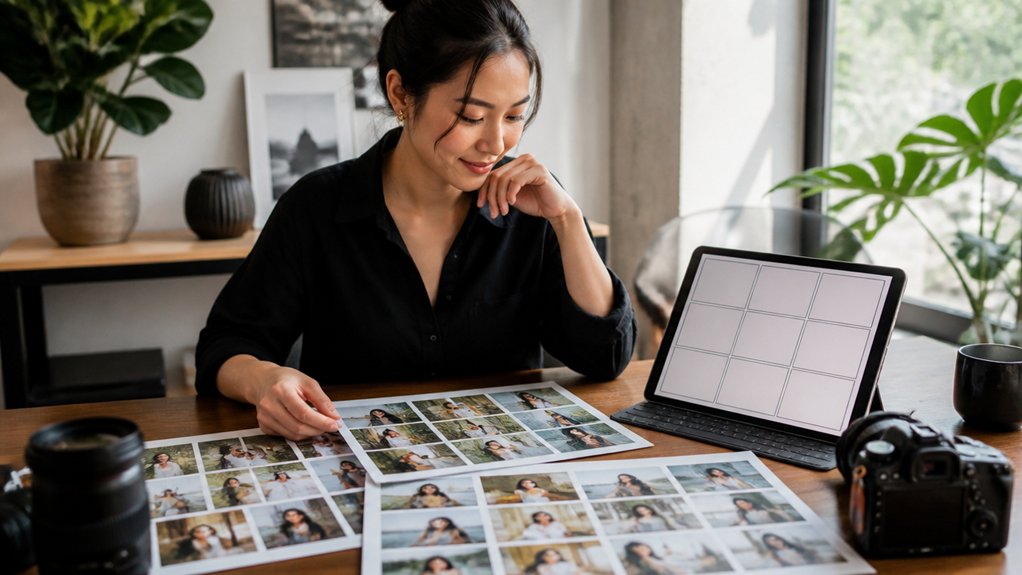
Review your footage for memorable quotes that share a clear insight or spark an emotion. Choose the strongest lines and turn them into concise, branded quote cards.
For example, highlight a practical tip, a surprising idea, or a moment that captures your brand’s personality. Share the cards on your social channels to extend your video’s reach and give each key moment a life of its own.
Find Memorable Quotes
A single video shoot can give you a month’s worth of content. Start by finding the lines your audience will remember: a clear statement of your main message, a useful tip, or an idea that challenges a common assumption.
Choose quotes that make sense on their own and give viewers a reason to stop, think, or share. For example, a practical piece of advice can work well as a short social post, while a fresh perspective can spark a conversation.
Don’t pick a line just because it sounds polished. Make sure it matters to your audience and supports your content strategy.
Review the transcript and mark promising moments. Then replay each one in the video to confirm the wording is accurate and the quote keeps its original meaning.
Design Shareable Quote Cards
Choose a memorable quote, then turn it into a clear, shareable visual. Keep the design simple: give the words room to breathe, use strong contrast, and choose a font that’s easy to read on a phone. Build brand recognition with your familiar colors, fonts, and logo placement. Highlight one key phrase, and skip extra decorations that distract from the message.
Add a short caption that explains the quote or invites people to respond. Before you post, resize the card for each platform so it looks its best and is easy to share.
Adapt Each Asset for Its Platform
Because people use each platform differently, tailor every video to where it will appear. Start with the format that fits the channel: use vertical edits for mobile-first feeds, square videos when they fit the layout, and longer cuts for platforms where viewers expect more detail.
Adjust the pacing and opening, too—lead with a quick hook for short-form feeds, or give longer videos room to explain your product or service.
Keep your branding consistent across versions, but choose the moments that matter most to each audience. For example, turn a product demonstration into a short clip that highlights one benefit, then use a longer edit to walk through the full process.
Before publishing, check that the video’s dimensions, length, captions, and opening suit the platform. You’ll get more from one shoot by reshaping the content—not just resizing the frame.
Add Hooks, Captions, and Calls to Action
Start each video with a hook that gives viewers a reason to keep watching. Name a problem, challenge a common assumption, or promise a useful takeaway.
For example: “Struggling to write product descriptions?” is more relevant than a dramatic but vague opening.
Add short captions so viewers can follow along without sound. Highlight key phrases instead of transcribing every word.
End with one clear call to action that fits the video, such as “Save this checklist,” “Share your biggest challenge in the comments,” or “Explore our guide to choosing the right plan.”
Keep your language and tone consistent across platforms.
A relevant hook, easy-to-read captions, and a focused next step help each video earn attention and encourage meaningful engagement.
Schedule a Month of Social Content
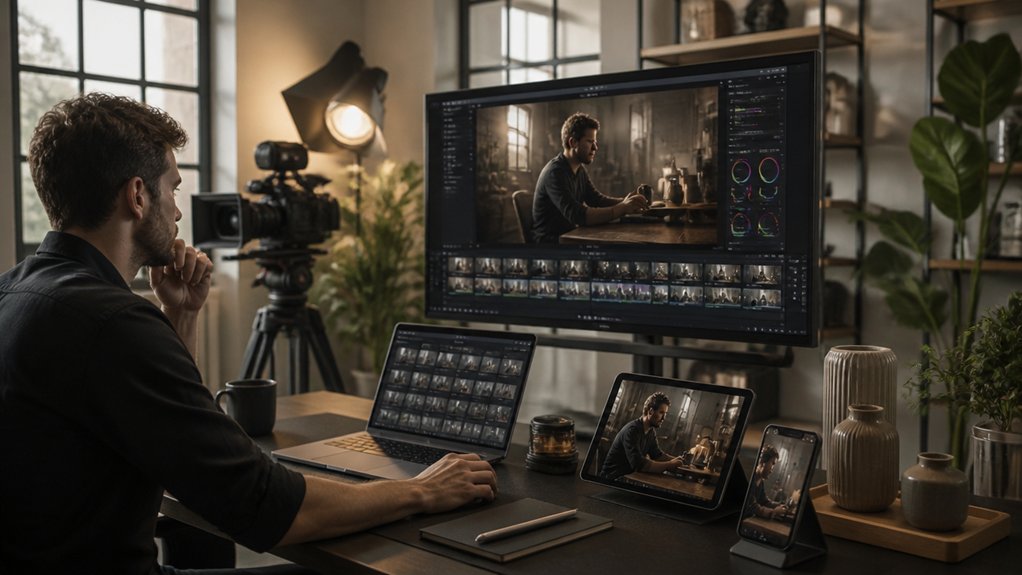
With your clips edited for each platform, plan the month before you start posting. Use a calendar to mix formats, topics, and promotional posts so similar clips don’t run back to back.
For example, follow a product demo with a customer tip or behind-the-scenes clip. Space related videos to keep people interested, and time relevant posts around launches, events, or seasonal moments.
Choose a posting schedule you can maintain, then queue your clips using each platform’s scheduling tools or a trusted management system. Leave room for timely updates, but stick to your plan.
Consistent posting helps you stay visible without overwhelming your audience.
Review Results and Improve Your Next Shoot
Once your month of content is live, review each clip to decide what to carry into your next shoot. Compare reach, watch time, saves, shares, and conversions with the goals you set. Look for the topics, formats, and opening moments that kept viewers watching—and note where they dropped off.
Don’t judge a clip by views alone. Check whether people took action, such as saving a tip, sharing a product demo, or clicking through to your site.
Compare results across platforms, too: a clip may perform well because of its creative—or because it reached more people through distribution.
Bring proven hooks and themes into your next shoot. For weaker clips, try a clearer opening or tighter edit. Change one thing at a time so you can see what makes a difference.
Frequently Asked Questions
What Equipment Do I Need to Record Quality Video Content?
Start with a camera or smartphone that records clear video, a sturdy tripod, an external microphone, and a soft light. For example, use a phone tripod for product demos and a clip-on mic for talking-head videos. Place the light in front of you, keep the camera steady, and check your audio and exposure before you record. Good technique matters more than expensive gear.
How Can I Get Permission to Film People or Use Copyrighted Music?
Treat permission like a seatbelt: get a signed release from anyone who can be recognized in your video, and secure music rights before you publish. For example, ask a customer to sign a model release before featuring them in a testimonial, and license a track from its rights holder or a reputable music library. Save copies of releases and licenses. Don’t assume filming in a public place or using a track you found online means you have permission.
Should I Hire a Videographer or Film the Content Myself?
Hire a videographer when you need polished visuals, consistent lighting, or a complex story told well. For example, bring in a pro for a brand film, product launch, or customer testimonial. Film content yourself when you need an authentic, budget-friendly way to share updates, answer customer questions, or show your team at work. Start with DIY, then hire a videographer when your goals outgrow your equipment, skills, or available time.
How Much Does a Professional Video Shoot Typically Cost?
A professional video shoot typically costs $1,000–$5,000 per day, but the price depends on the crew, equipment, location, and production needs. A simple interview shoot may cost less than a multi-location brand video with lighting, sound, and a larger crew.
Before you book, compare itemized quotes, confirm what’s included—such as editing, revisions, and final video files—and match the production plan to your goals and budget.
Where Should I Store and Back up My Original Video Files?
Store your original video files on a fast external SSD for easy access while you edit. Then make two backups: one in cloud storage and another on a separate drive kept in a different location. For example, keep the SSD at your office, the backup drive at home, and a copy in a secure cloud account. Encrypt sensitive files, check that backups complete successfully, and test restoring files regularly. A backup only helps if you can recover your videos when you need them.
Conclusion
One video shoot can fuel a month of social content. Before filming, list the messages you want to share and the formats your audience uses. Then turn your footage into short clips, pull quotes, behind-the-scenes moments, and platform-ready posts. For example, a product demo could become a quick tip, a customer FAQ, and a short clip showing the product in action.
Schedule each post with a clear purpose, such as answering a common question or inviting people to learn more. Track which posts get attention and prompt action, then use those insights to plan your next shoot. With a simple repeatable process, you can get more value from every filming day and keep your message in front of your audience.